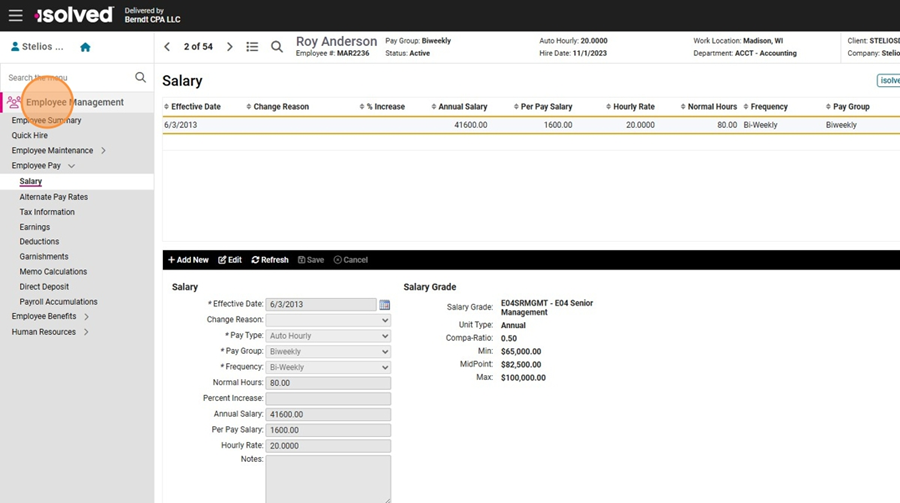
- Navigate to https://berndtcpa.myisolved.com/default.aspxClick "Employee Management".
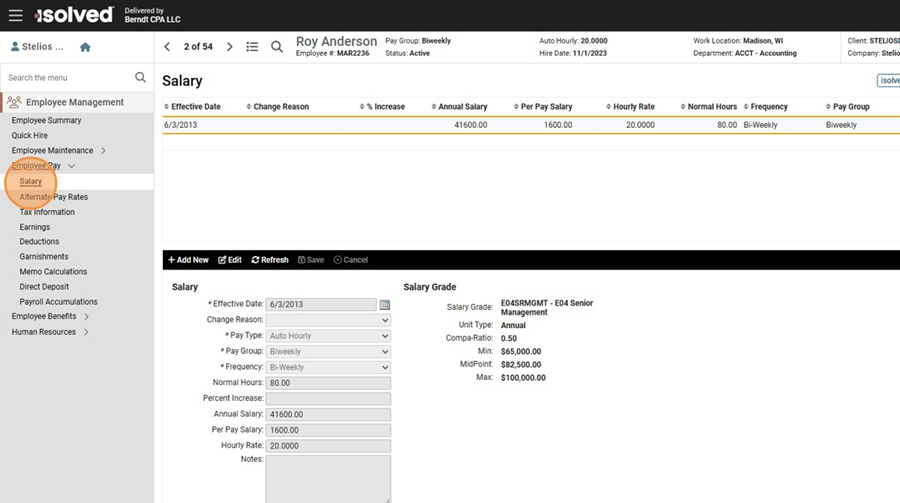
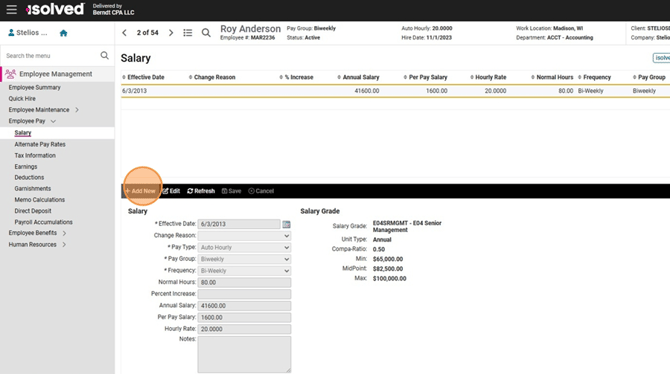
- Click "Employee Pay" and then "Salary".
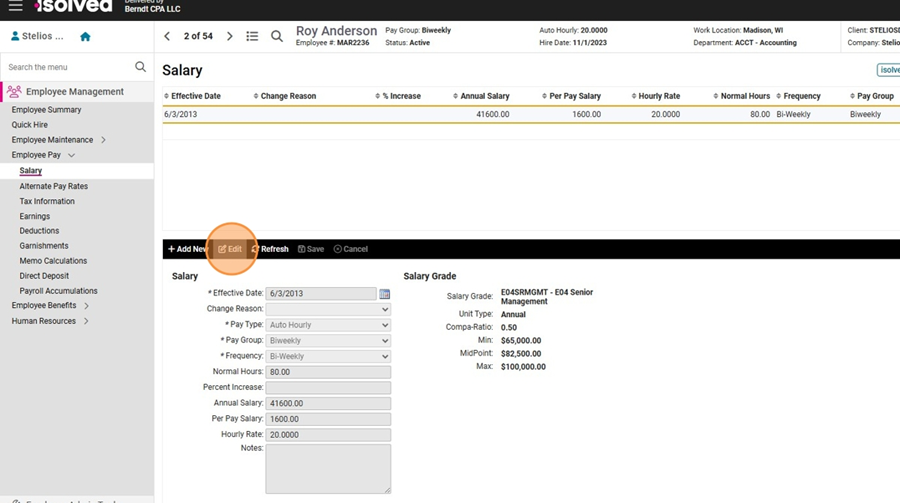
- IF the record is WRONG and needs to be corrected, then Click "Edit" to fix the history and update the record. See next step if this is instead an official change or rate update.
- IF the employee's rate is changing, click "Add New".
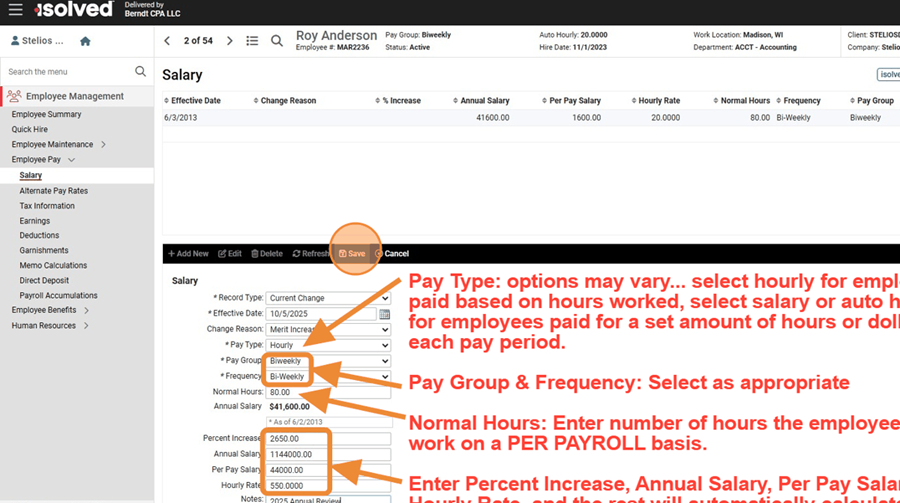
- Fill out all required fields.
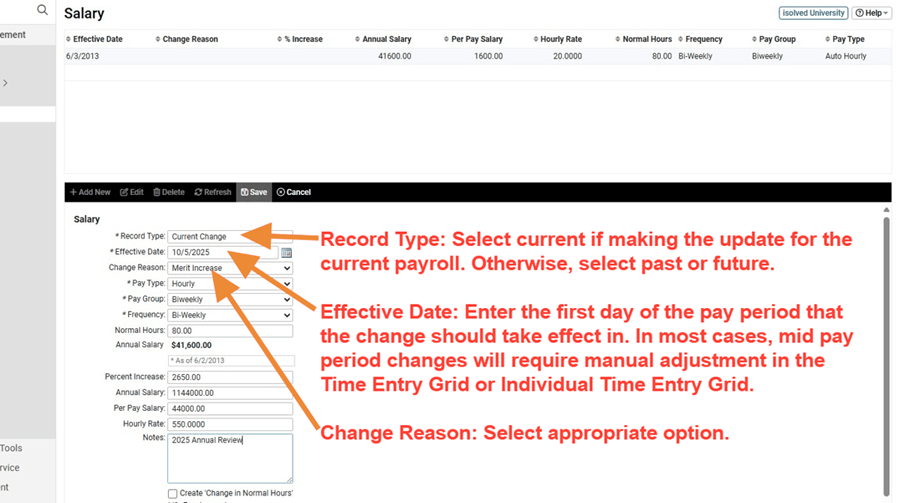
- Fill out remaining fields and Click "Save"